
Maximizing Your Ownership Experience: A Guide to the myChevrolet App
Are you a Chevrolet owner? If so, you’re in luck. The myChevrolet app is your go-to tool for effortlessly managing your vehicle’s upkeep, keeping tabs on fuel efficiency, and even remotely initiating your car.
Haven’t tried it yet? You’re definitely missing out on a host of conveniences that can enhance your ownership experience. Let’s delve into the essential features of the myChevrolet app and guide you through harnessing its full potential.
Firstly, let’s explore what the myChevrolet app brings to the table:
- Access crucial vehicle data such as tire pressure and oil life.
- Easily schedule maintenance appointments at your preferred dealership.
- Keep track of fuel consumption to optimize efficiency.
- Initiate remote start (if your vehicle supports it) and control door locking/unlocking from your phone.
- Pinpoint your vehicle’s location in crowded parking lots.
- Manage vehicle settings like driver and navigation preferences.
Now that you understand its capabilities, let’s dive into using the key features effectively.
Checking Your Vehicle’s Information & Owner Resources
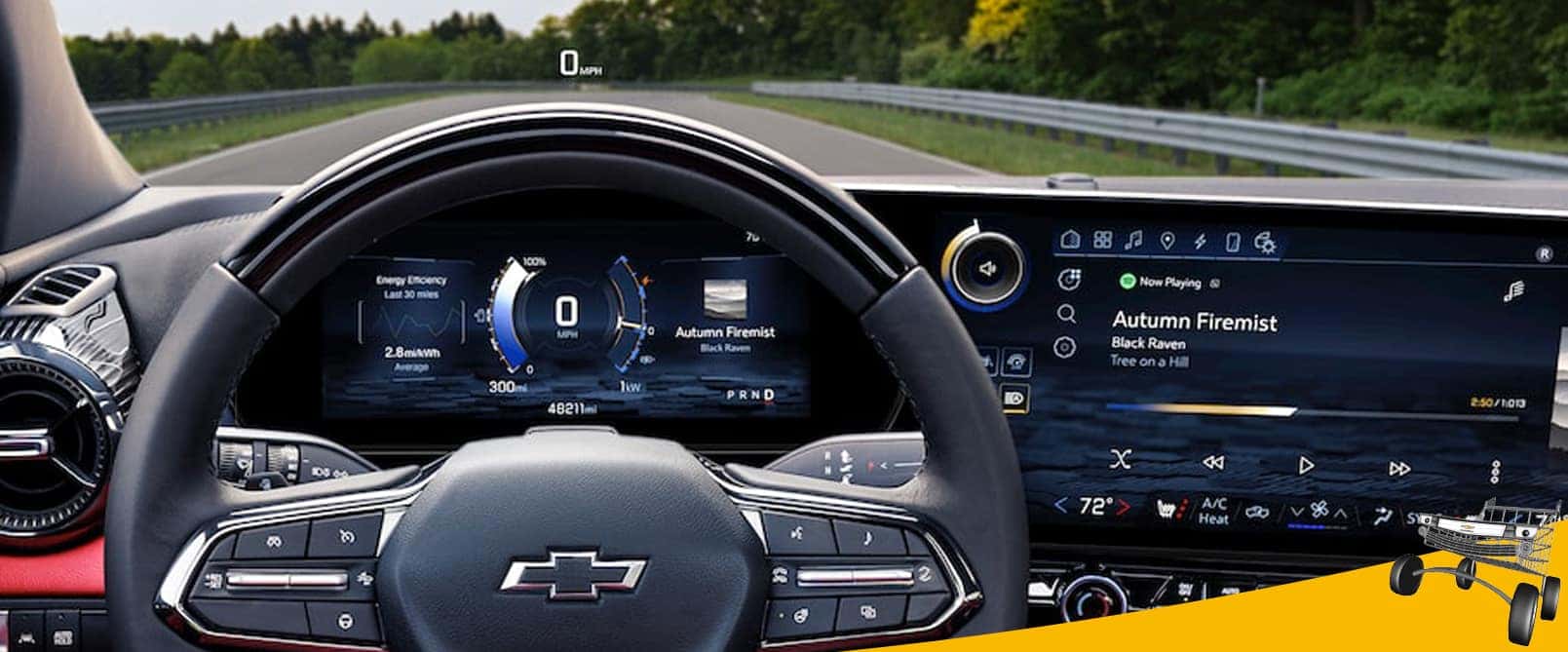
Upon opening the myChevrolet app, you’re greeted with a comprehensive dashboard showcasing vital vehicle information, such as tire pressure, fuel level, and oil life.
In addition, the app provides access to a multitude of handy owner resources, including:
- My Chevrolet Rewards – Join now and accumulate points that can be exchanged for various rewards, including paid services, accessories, the acquisition or lease of a new vehicle, and more.
- Family Sharing – Enjoy shared benefits such as various remote commands and expand your circle by inviting up to eight family members to connect to your vehicle(s).
- OnStar Smart Driver – Receive valuable insights into your driving habits and acquire tips to enhance your skills behind the wheel, promoting safer and more efficient driving practices.
- Map – Discover points of interest nearby and seamlessly send directions straight to your vehicle’s integrated navigation system for hassle-free routes. Plus, it helps keep you informed of your vehicle’s whereabouts.
- Wi-Fi® Hotspot Management – Manage your network name and password and explore available data service plans to suit your connectivity needs.
Scheduling Maintenance
With the myChevrolet app, scheduling maintenance is a breeze. After clicking the “Schedule Service” option, choose your preferred dealership and select your required services. You can also track your vehicle’s service history and stay updated on appointment progress, all within the app.
Monitoring Fuel Economy & EV Support
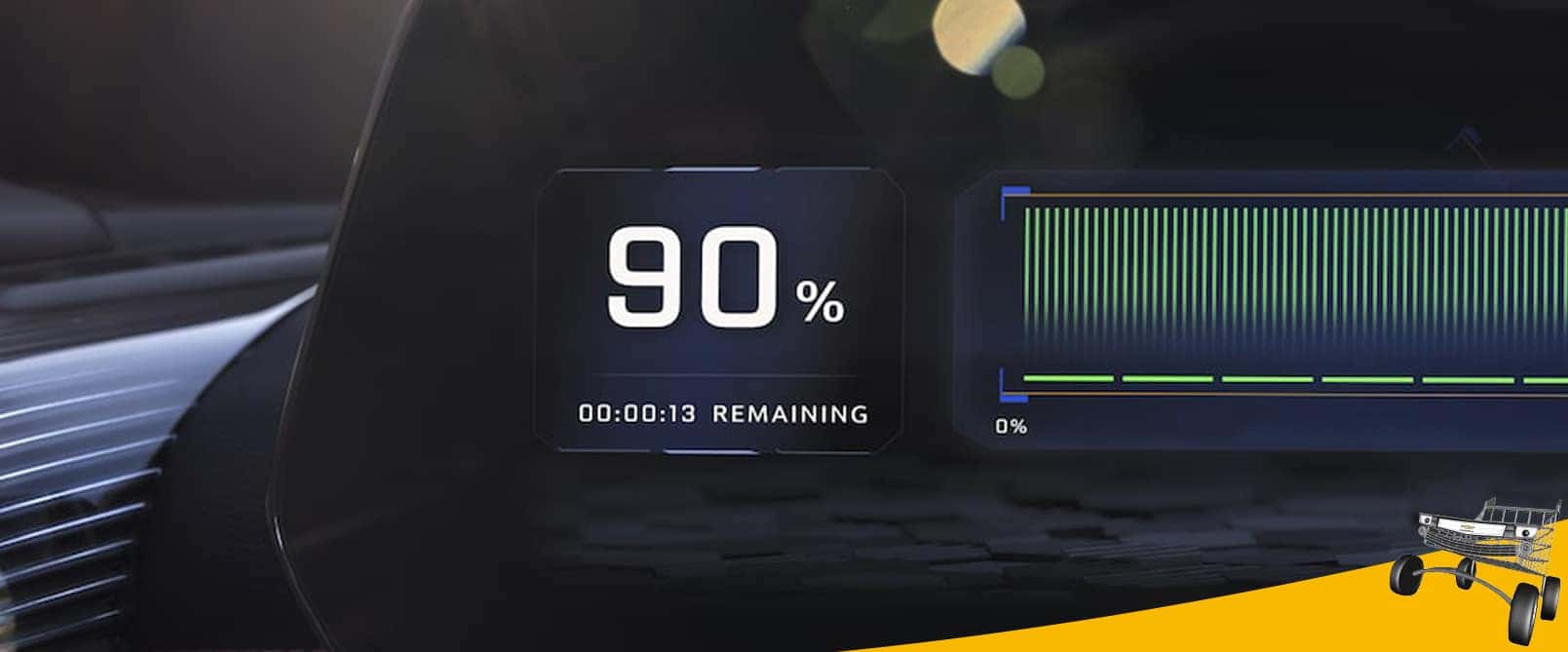
Are you interested in monitoring fuel efficiency? Tap on the “Fuel” icon, input fuel additions, and the app calculates your vehicle’s economy, providing comparisons with EPA estimates. Moreover, you can create reminders to refill your tank and access your fuel economy history effortlessly.
Do you have an all-electric or hybrid Chevrolet? The app also covers that. You can locate nearby charging stations and determine the most efficient route within your vehicle’s range.

Remote Capabilities
For vehicles equipped with remote start functionality, the myChevrolet app lets you initiate this feature from your smartphone. Simply tap on “Remote Start” and follow the prompts. You can even schedule automatic starts for daily convenience.
Do you need to secure or access your vehicle remotely? The app enables remote door locking and unlocking with a simple tap. You can also set up alerts to stay informed about door status changes.

Access Vehicle Settings
Another convenience allowed by the myChevrolet app includes access to various vehicle settings. You can access all your preferred audio settings, in-vehicle apps, and driver settings like Auto Memory Recall.
Moreover, it provides self-learning navigation that remembers your driving preferences for avoiding things like interstates and bridges. Customizable climate settings ensure optimal comfort inside your vehicle every time.
An Essential Tool for Chevrolet Owners
In essence, the myChevrolet app empowers you to seamlessly manage your vehicle’s maintenance, fuel efficiency, and remote functions. By mastering its key features, you can streamline your ownership experience and enjoy added convenience.
If you require any assistance with the app, please don’t hesitate to reach out to us at Chevrolet of Homewood. We can help you enhance your experience with your Chevrolet; don’t miss out—download the myChevrolet app and start optimizing today!
Sources:
www.chevrolet.com